What happens if my business website gets hacked?

You don't have to lose customers, rankings, or trust because of outdated software. Here's what a hack actually does — and how to keep it from happening.

What happens if my business website gets hacked?

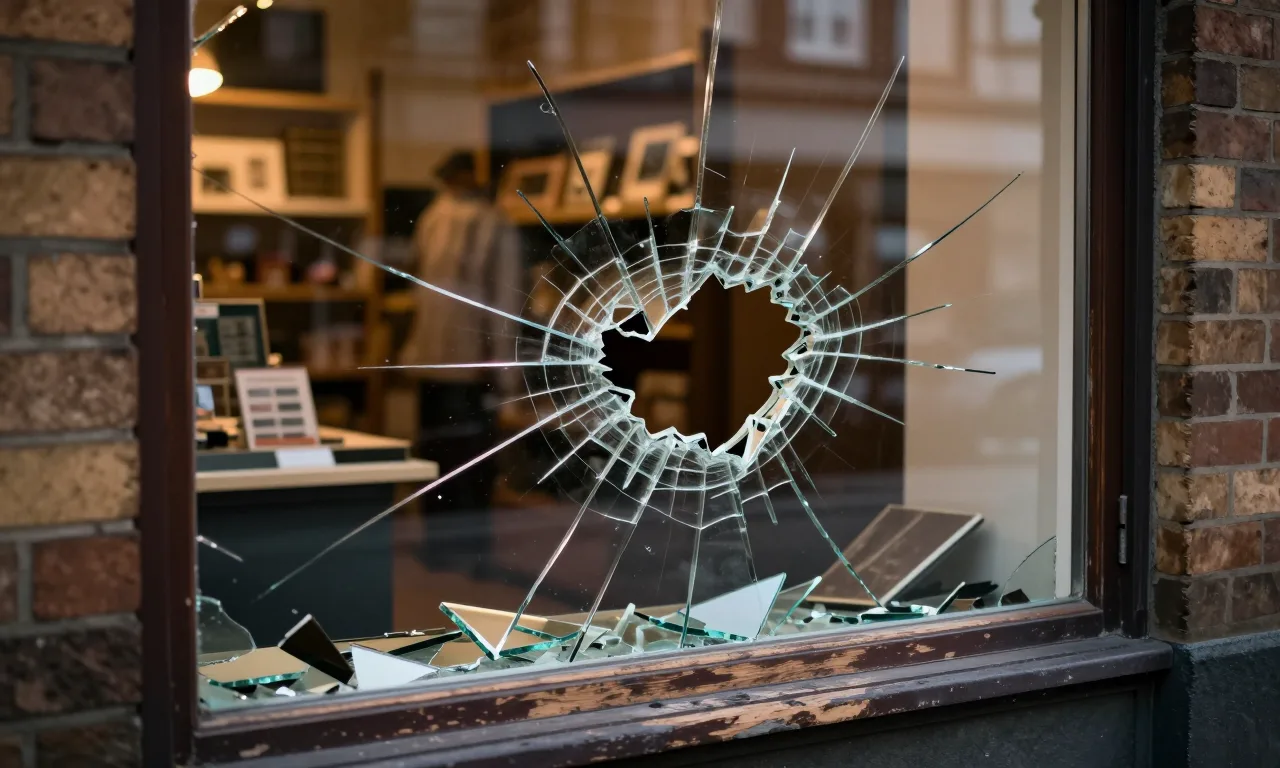
A hack cascades fast, and it hits your business in four ways:

  • Your visitors get redirected to spam sites or silently infected with malware — and they blame you, not the hackers.
  • Google flags your site with a "This site may be hacked" warning, and your traffic drops to near zero.
  • Your customer data — names, emails, payment details — can end up in someone else's hands.
  • Recovery means cleaning every infected file, patching the hole, restoring from a clean backup, and asking Google to let you back in. Industry incident data (Verizon's 2024 Data Breach Investigations Report) puts a typical small business breach between $120,000 and $1.24 million in downtime and cleanup.

You don't want to find any of this out the hard way. That's why prevention — keeping software updated and watching for signs — is worth so much more than the cleanup.

How do most business websites get hacked?

Outdated software is the culprit in the vast majority of cases. Automated bots scan the internet around the clock, hunting for sites running known-vulnerable versions of WordPress, plugins, or themes. When they find one, the exploit runs itself — no human attacker needed.

The reason most sites never get patched isn't laziness. It's that owners don't know an update is out, don't have time to run it, or are scared it'll break something. Professional maintenance handles all three — we apply the updates, fix what breaks, and test before changes go live.

How do I know if my website has been hacked?

The obvious signs: your site redirects to pages you didn't create, Google shows a "This site may be hacked" warning, visitors report odd popups or downloads, your hosting company suspends your account, or strange files suddenly appear on your server.

The sneaky part is that many hacks run silently for weeks before any symptom shows up. If you're only looking when something looks wrong, you're already behind. Continuous monitoring is what catches it early — before it becomes a mess.

Does regular maintenance stop hacks?

Yes — it's the single most effective thing you can do. Most small business hacks go after known holes that already have a patch; the real failure is that the patch was never applied.

Regular maintenance closes those doors: applying updates as patches come out, hardening your login with strong passwords and two-factor, running a firewall and malware scan, and backing up daily so a clean copy always exists. Think of it like locking your office door at night — it doesn't guarantee nothing ever happens, but it eliminates every opportunistic break-in.

That's the kind of work WebsiteCare.Direct handles — updates tested before they go live, 24/7 security monitoring, daily backups, and a real human you can email. If a hack does happen, we clean the site, close the hole, and get you back online fast. You email us the tasks, we handle them. No jargon, no surprises.
Can't find what you're looking for?

Tell us what you need and we'll point you in the right direction — no charge, no pitch.

Start the Conversation →